Get Started
Components
- Accordion
- Alert
- Alert Dialog
- Aspect Ratio
- Avatar
- Badge
- Breadcrumb
- Button
- Button Group
- Calendar
- Card
- Carousel
- Chart
- Checkbox
- Collapsible
- Combobox
- Command
- Context Menu
- Data Table
- Date Picker
- Dialog
- Drawer
- Dropdown Menu
- Empty
- Field
- React Hook Form
- Hover Card
- Input
- Input Group
- Input OTP
- Item
- Kbd
- Label
- Menubar
- Native Select
- Navigation Menu
- Pagination
- Popover
- Progress
- Radio Group
- Resizable
- Scroll-area
- Select
- Separator
- Sheet
- Sidebar
- Skeleton
- Slider
- Sonner
- Spinner
- Switch
- Table
- Tabs
- Textarea
- Toast
- Toggle
- Toggle Group
- Tooltip
- Typography
Introduction
Run your own code registry.
You can use the shadcn CLI to run your own code registry. Running your own registry allows you to distribute your custom components, hooks, pages, config, rules and other files to any project.
Note: The registry works with any project type and any framework, and is not limited to React.
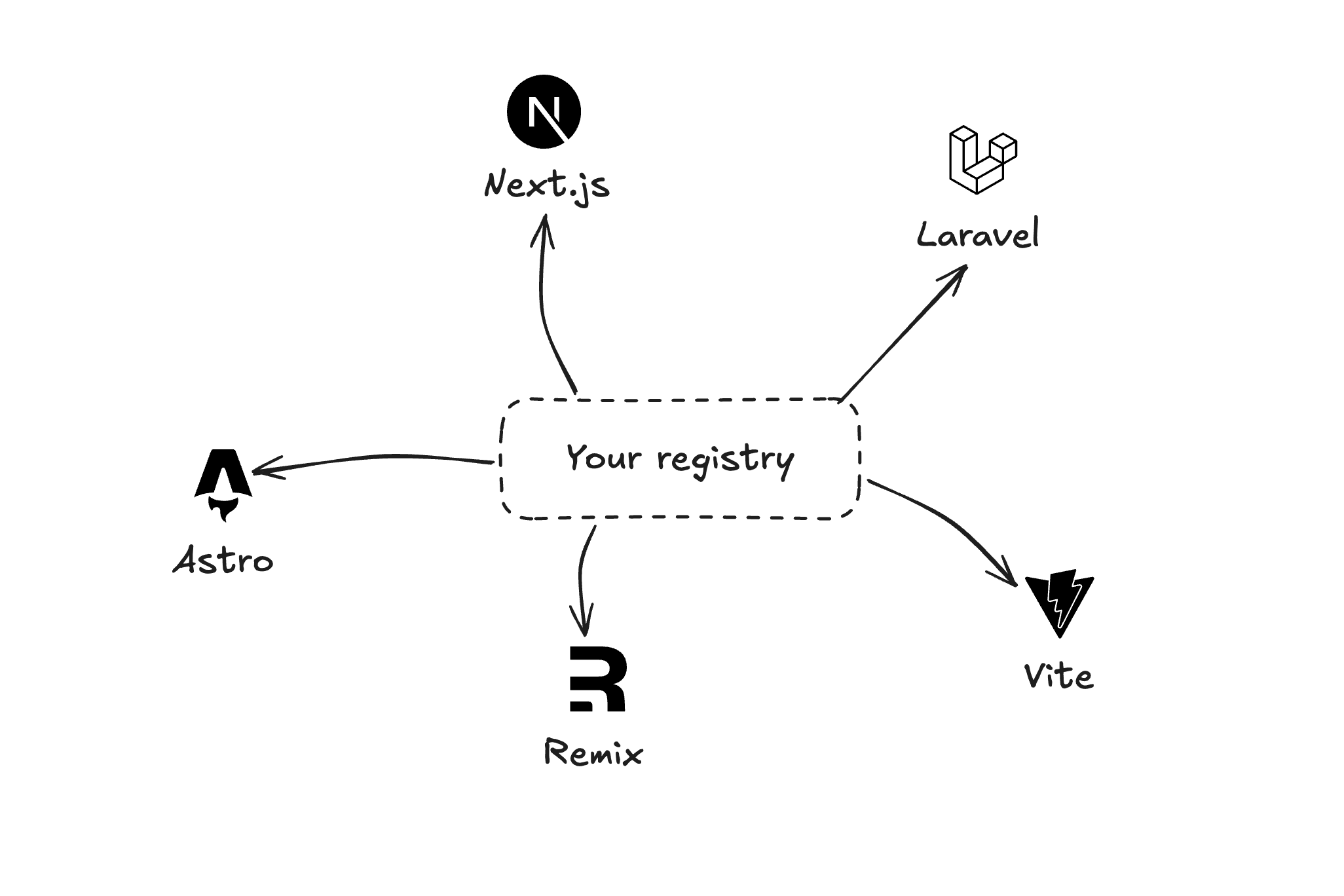
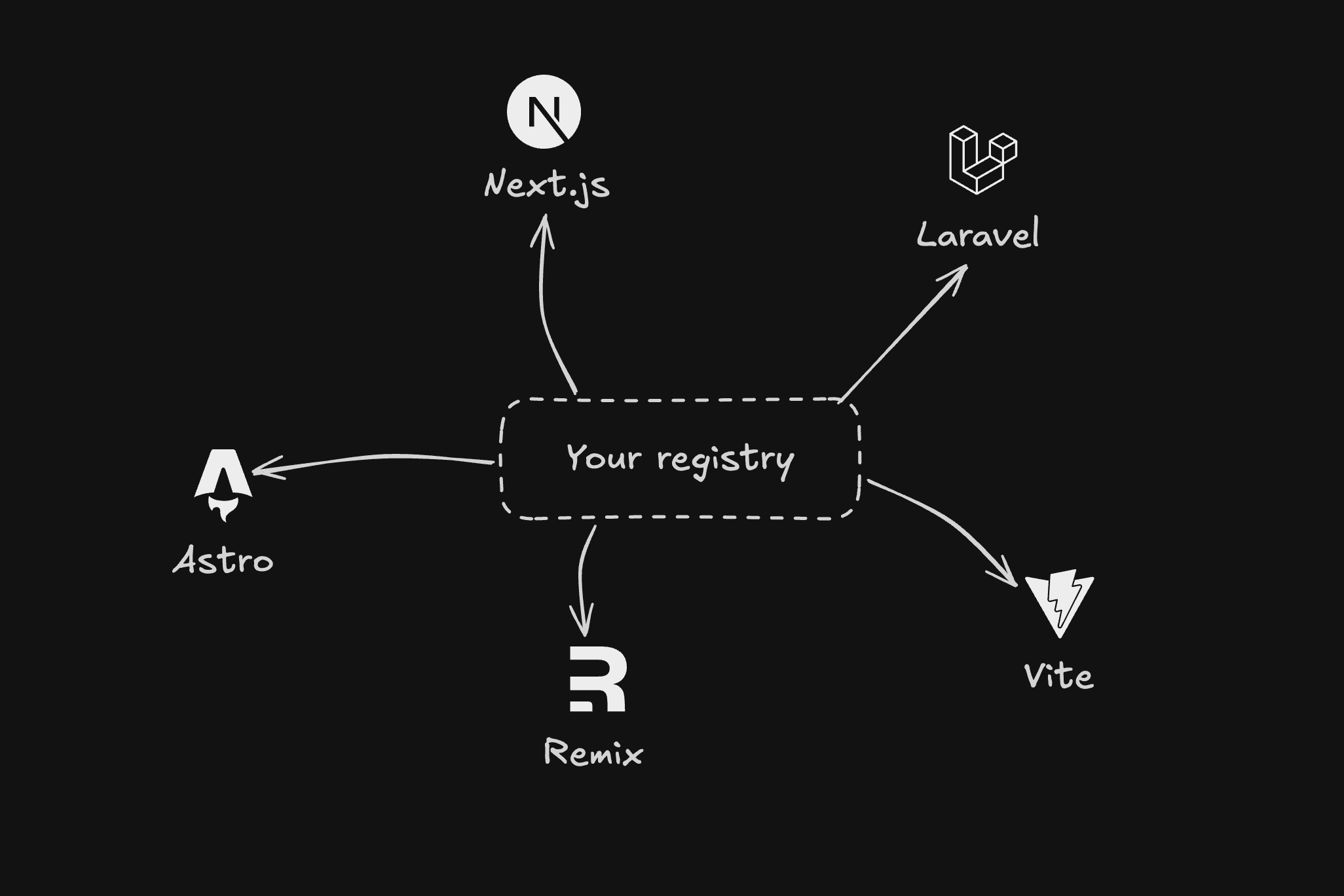
A distribution system for code
Ready to create your own registry? In the next section, we'll walk you through setting up your own custom registry step-by-step, from creating your first component to publishing it for others to use.
Getting Started
Set up and build your own registry
Authentication
Secure your registry with authentication
Namespaces
Configure registries with namespaces
Examples
Registry item examples and configurations
Schema
Schema specification for registry.json
Deploy your shadcn/ui app on Vercel
Trusted by OpenAI, Sonos, Adobe, and more.
Vercel provides tools and infrastructure to deploy apps and features at scale.
Deploy to Vercel